Setting Your Other Business Costs
Last updated: November 4, 2025
How to set your Other Business Costs within StoreHero
Under Costs > Other Costs you can enter in any other operational expenses that you'd like to add to StoreHero to see your net profit accurately.
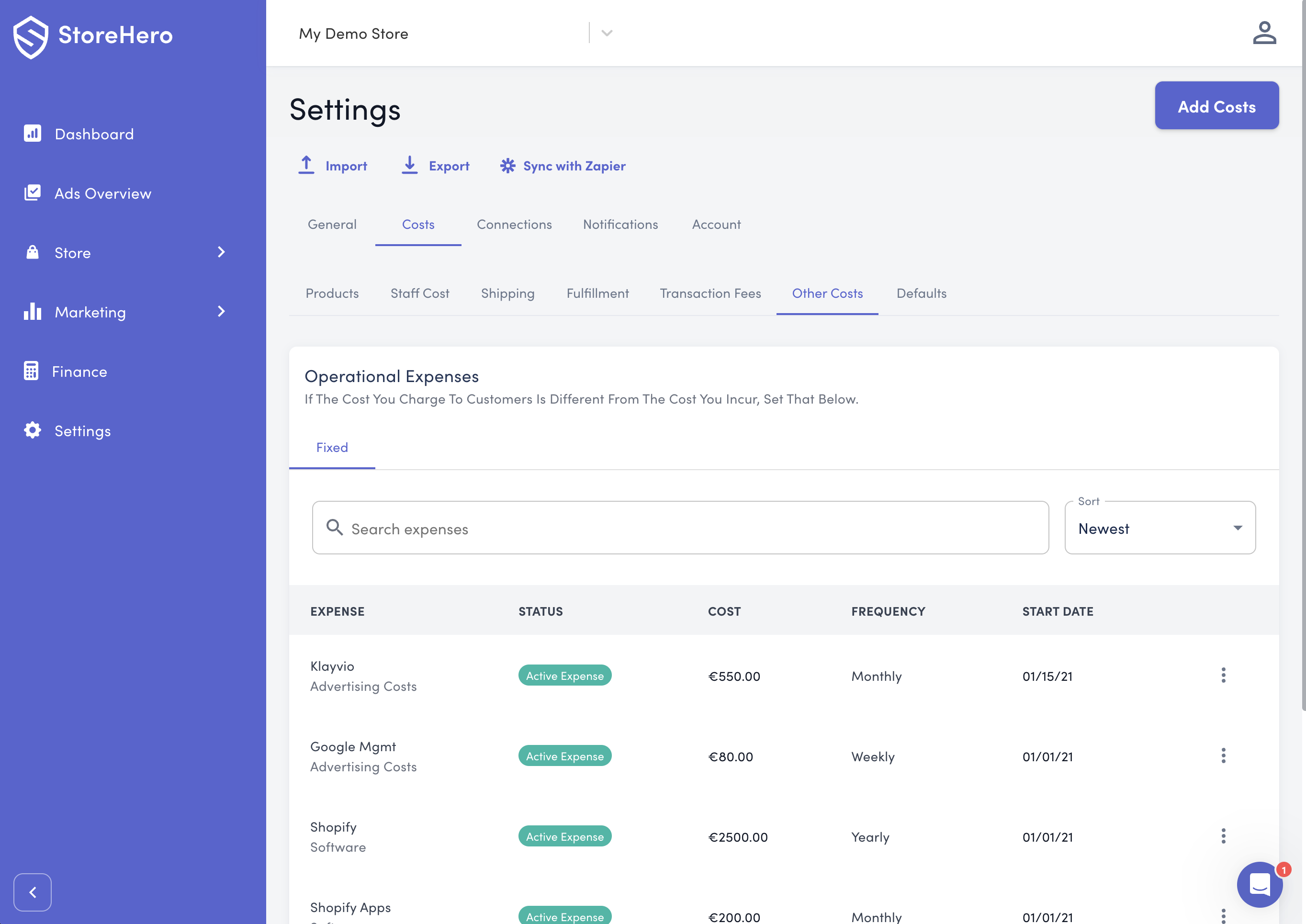
To add a new cost select the "Add Costs" button in the top right of your screen.
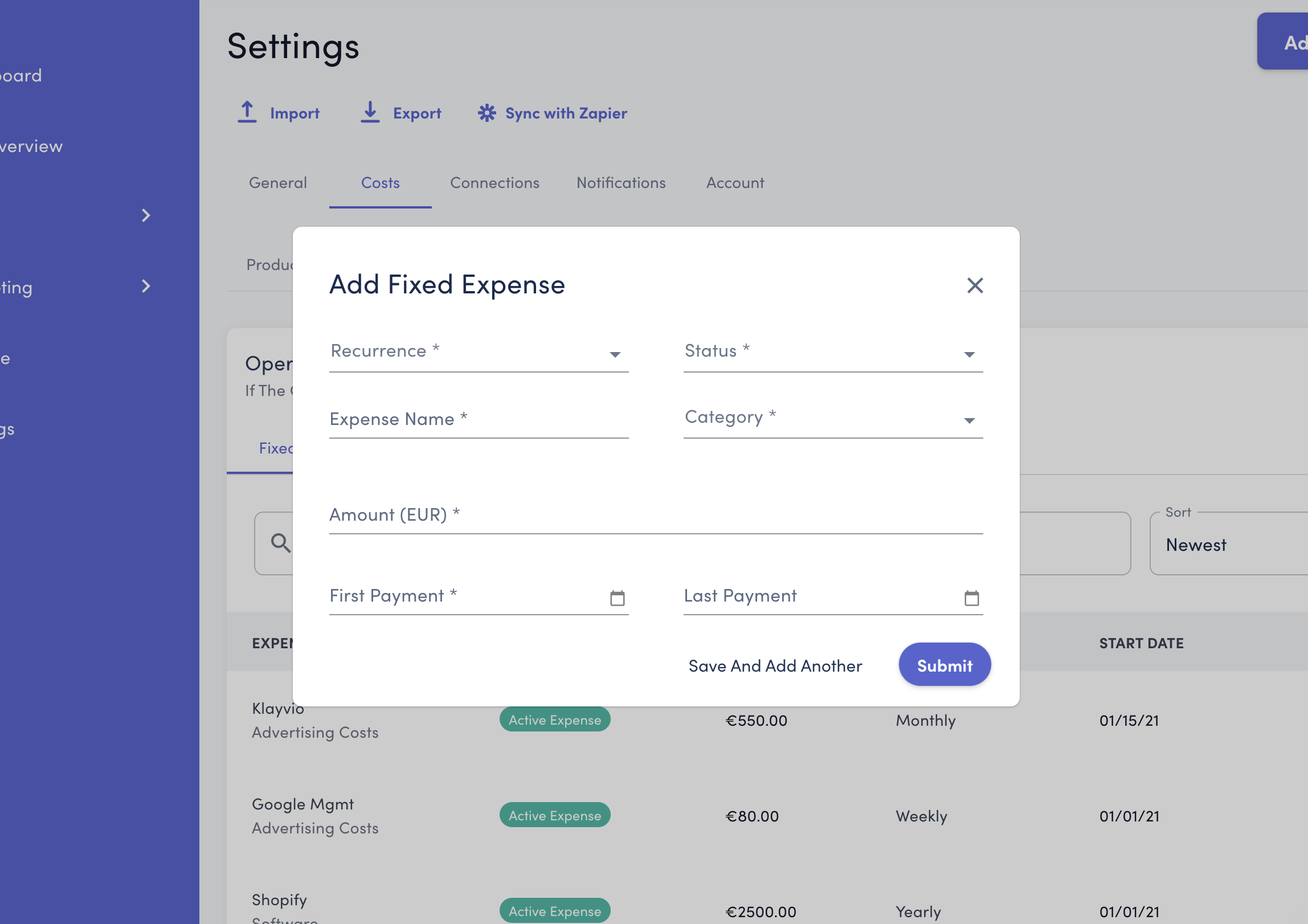
Recurrence - Indicate how frequently this cost will recur, either once off, daily, weekly, monthly or yearly .
Status - This expense may be an active expense or a past expense that is no longer recurring.
Expense Name - Use this to set the name of the expense
Category - The category of this expense.
Amount - The cost that should recur at your chosen frequency.
First Payment - This is the first date that this payment was charged
Last Payment (optional) - If this cost member has an end date specified you can enter it here. This can be beneficial for seasonal costs or an expense for a fixed period of time.
Make sure to hit "Submit" or "Save and Add Another" to record your changes.