Orders
Last updated: November 4, 2025
The Orders page in StoreHero is an essential tool for brands to analyse and understand their sales trends, identifying both high-profit opportunities and areas that may need improvement.
Overview of Orders Page
The page displays key information such as Date, Order ID, Customer Name, Fulfilment Status, Payment Status, Shipping Cost, Discounts applied, Cost of Goods Sold (COGS), and Gross Profit.
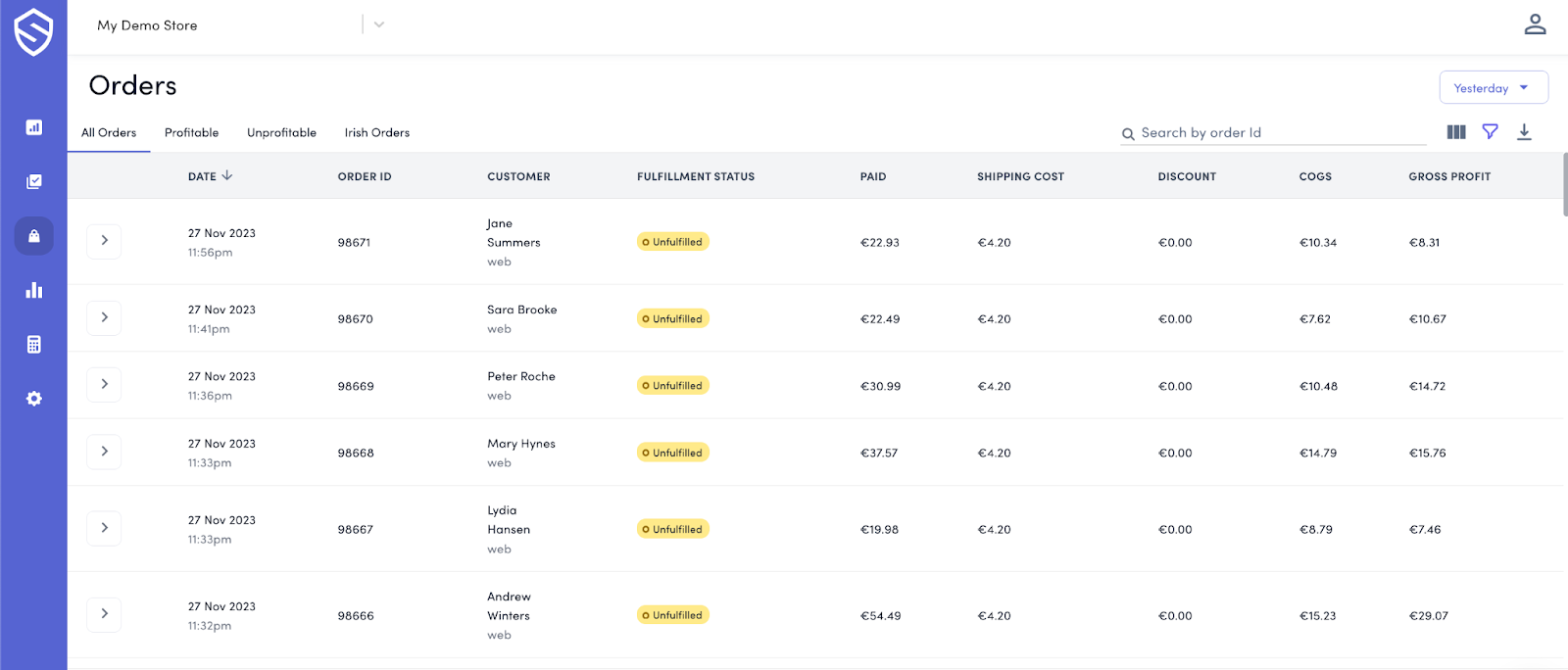
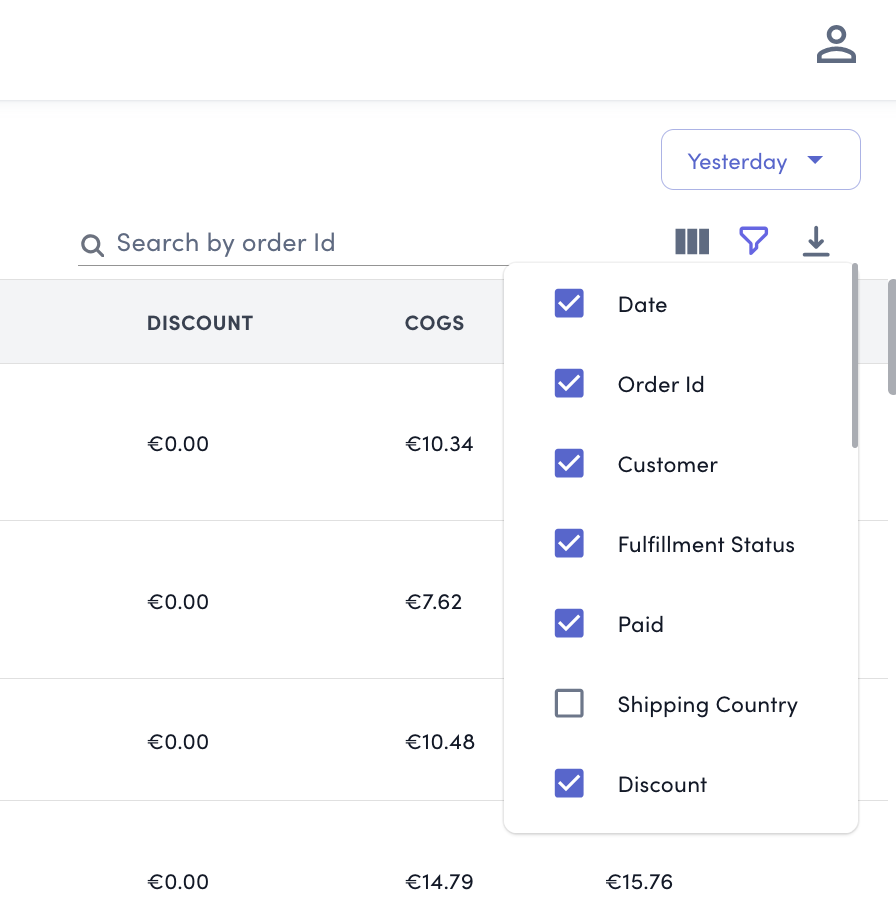
Users can toggle additional metrics by selecting the three bars on the right-hand side of the screen.
Understanding Gross Profit Per Order
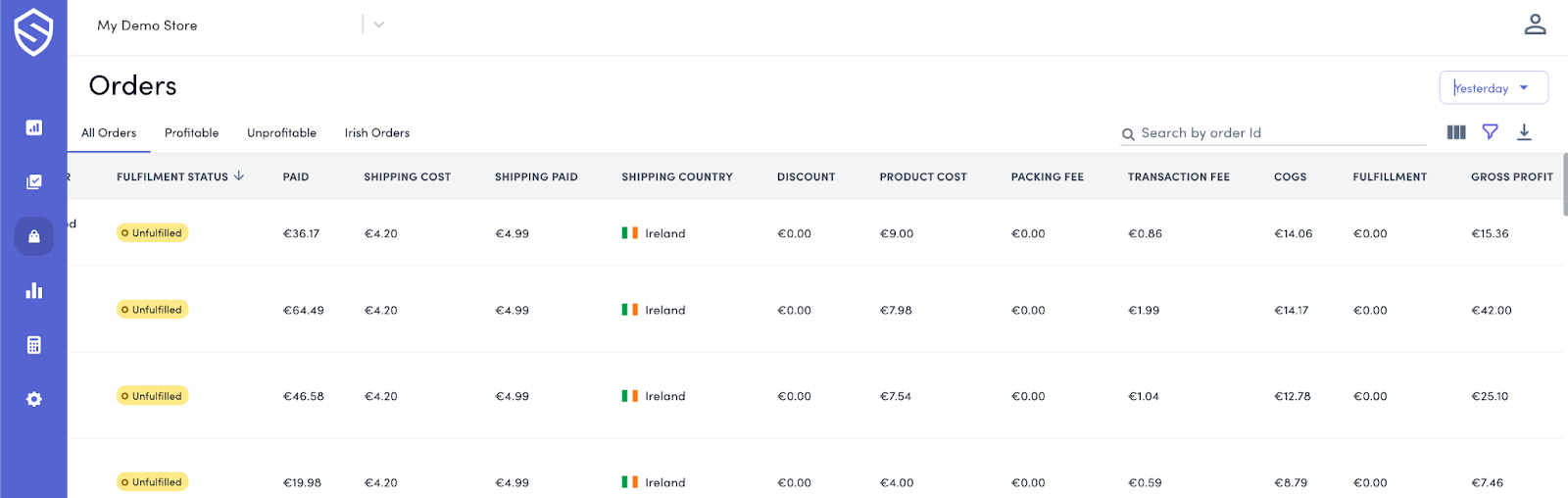
With up-to-date cost settings, the platform allows for a detailed analysis of the true gross profit for each order, accounting for shipping costs, transaction fees, fulfilment fees, return costs, and product costs.
Date Selector Usage
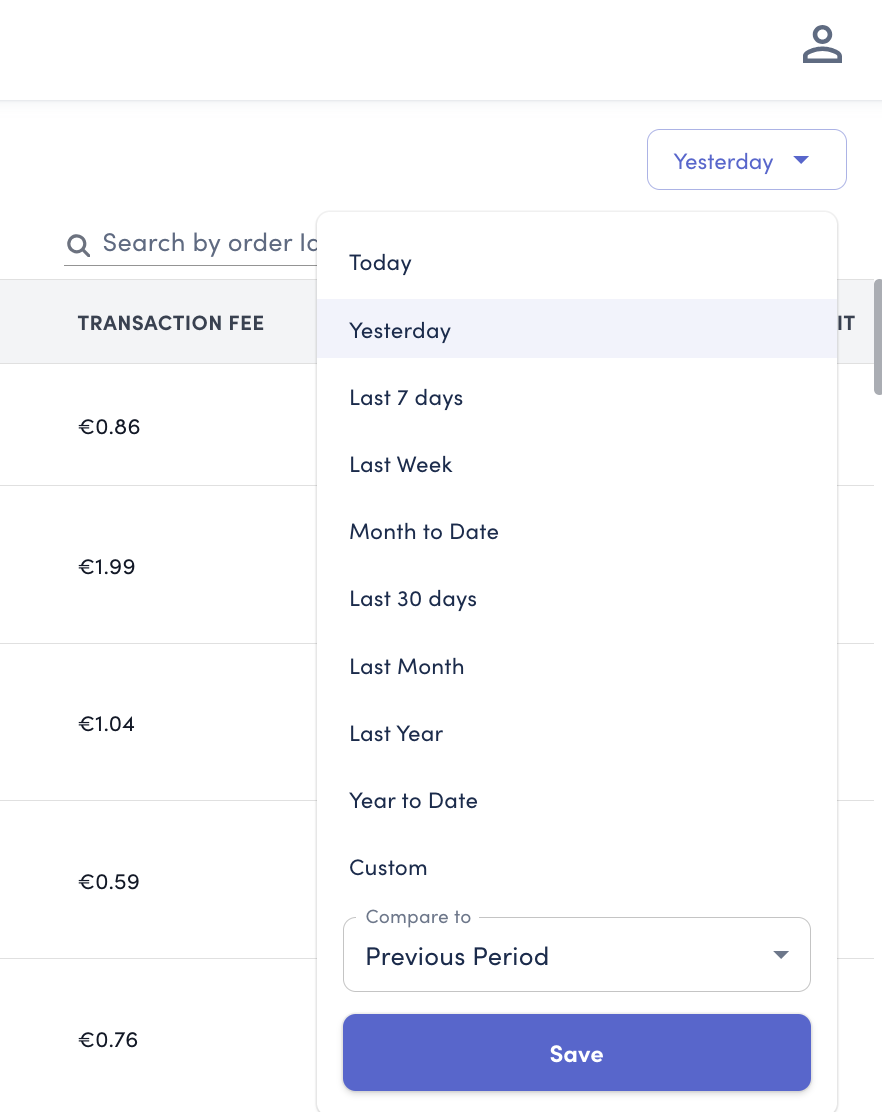
Select specific date ranges to monitor orders, aiding in periodical analysis and trend spotting.
Searching Individual Orders
Use the magnifying glass icon to quickly locate and analyse individual order numbers for detailed inspection.

Setting Up Custom Saved Filters
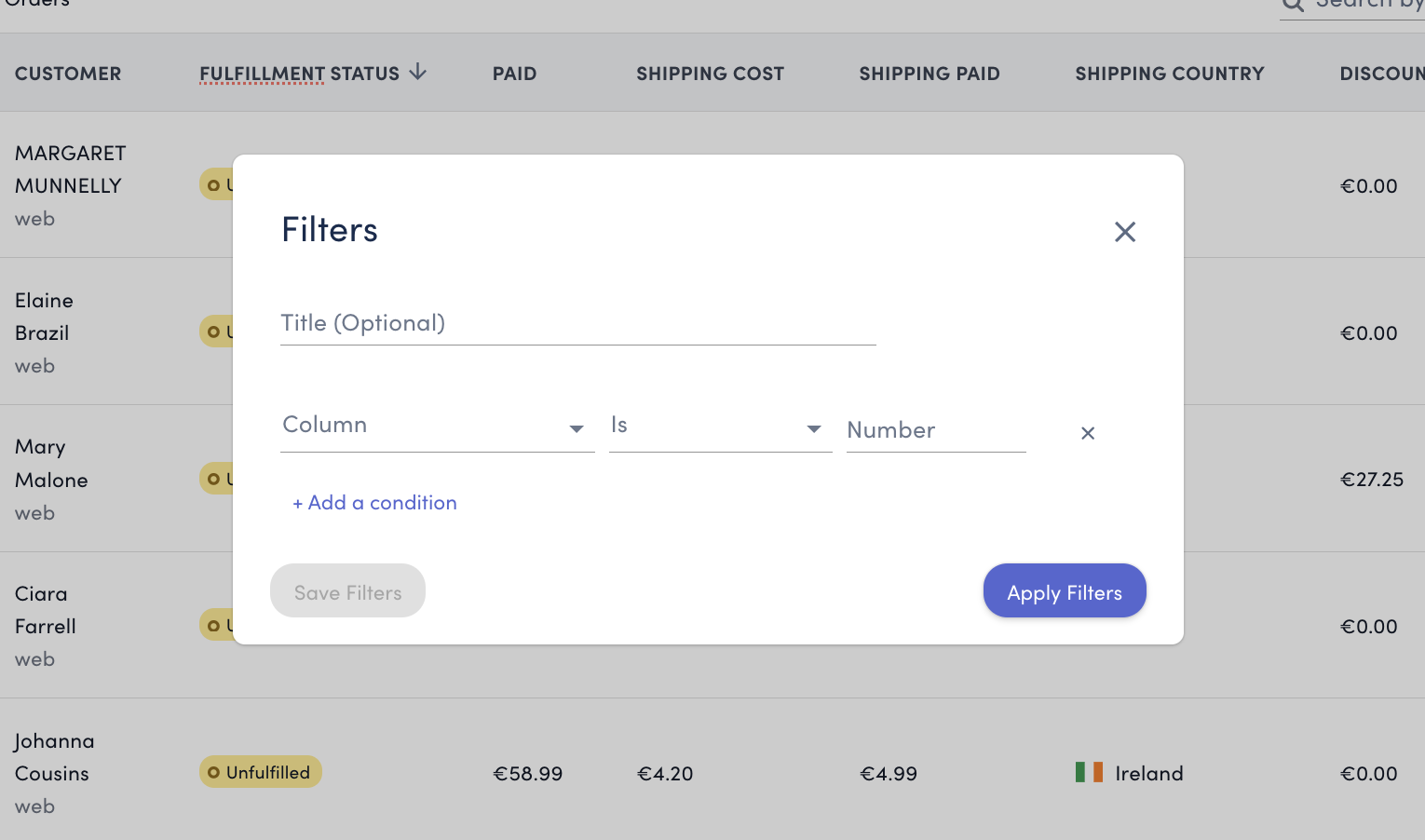
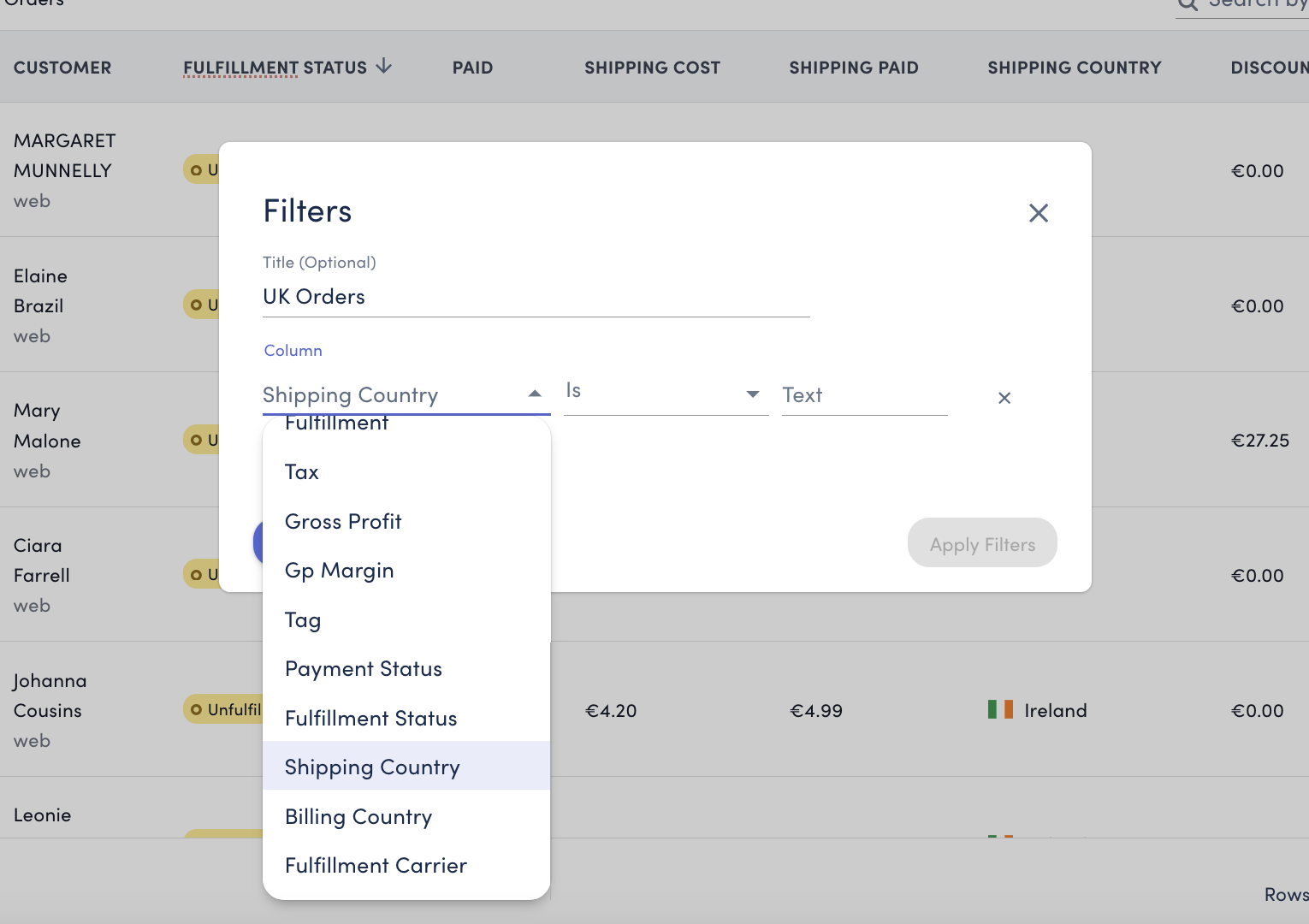
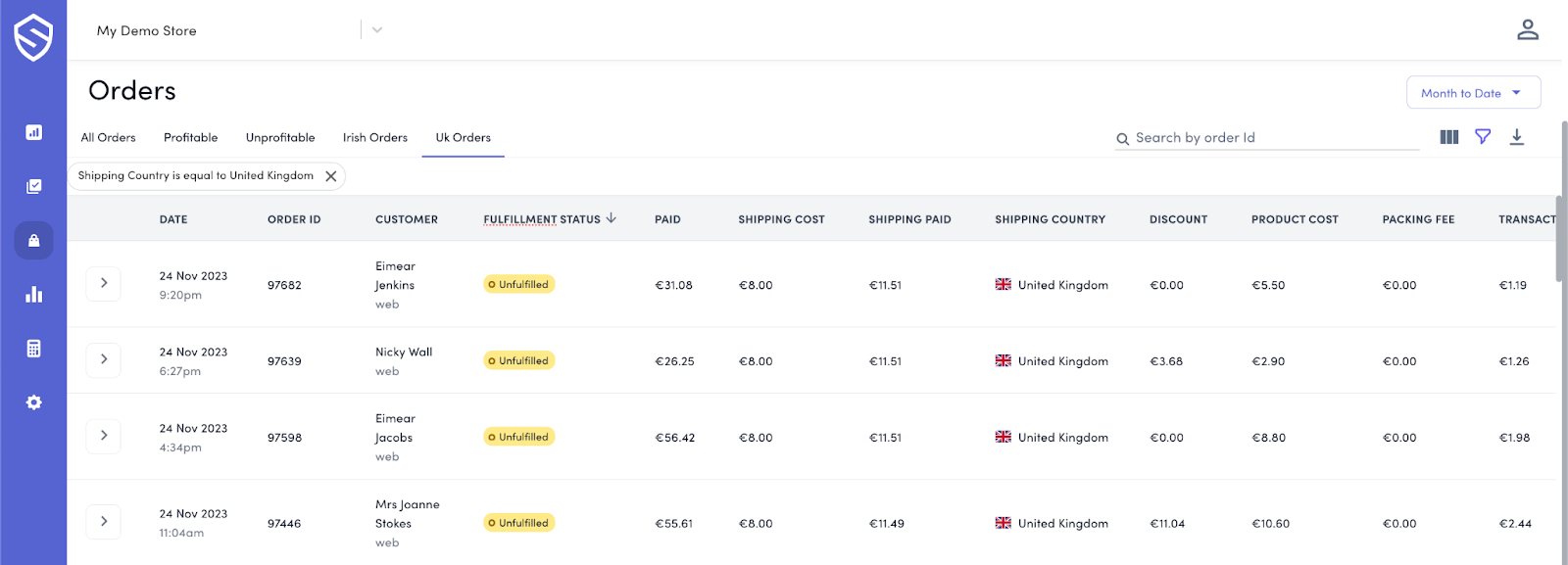
A walkthrough of setting up a filter for orders shipped to a specific country, like the United Kingdom. Users can choose to either save these filters for future use or apply them temporarily.
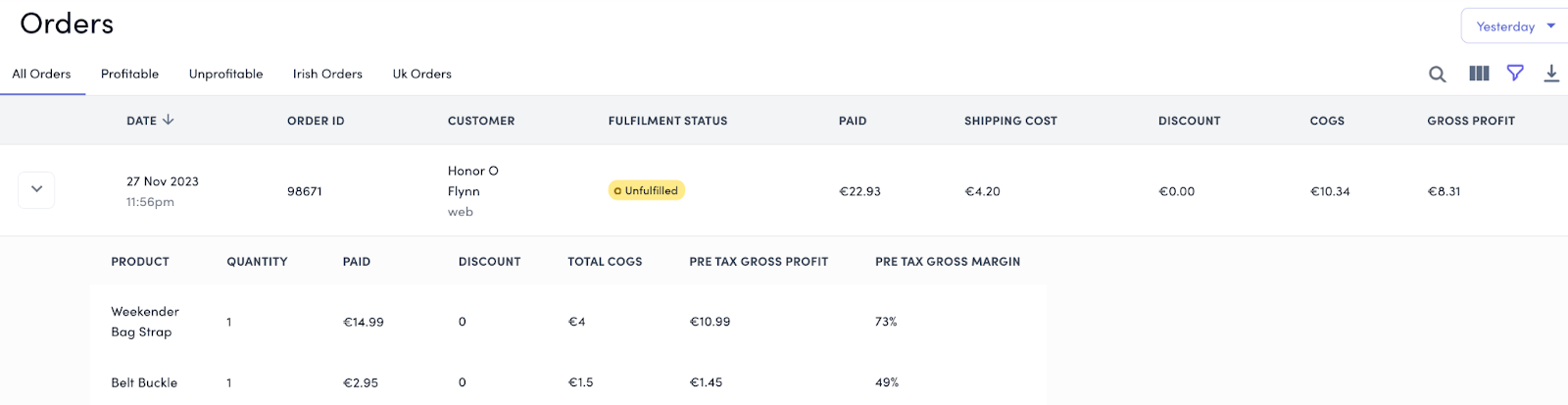
Viewing Products in Each Order
By selecting the dropdown arrow, users can view the specific products included in each order, providing a granular look at the order composition.