Fixing the “Something went wrong on the API side” Error in StoreHero
Last updated: November 6, 2025
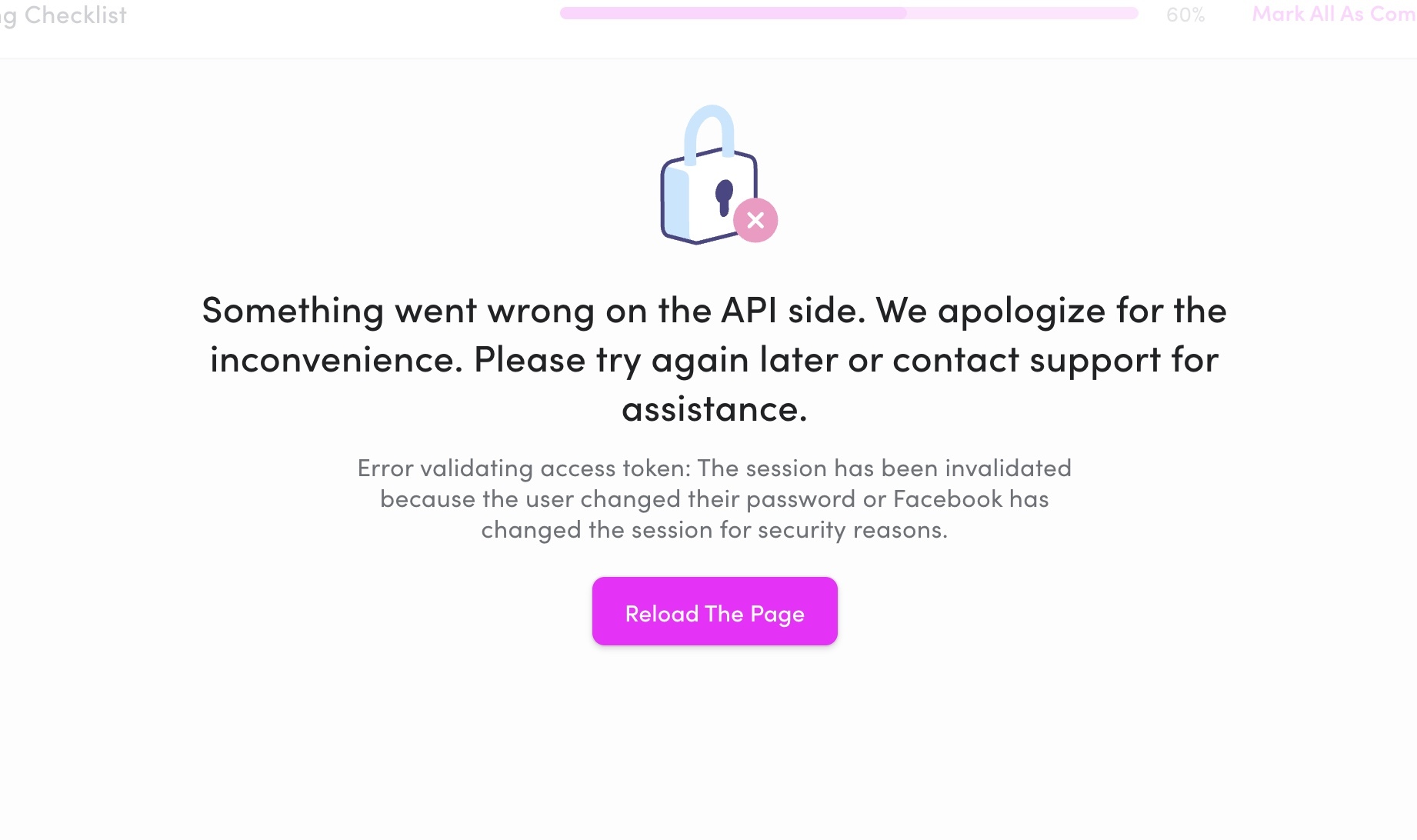
If you encounter the “Something went wrong on the API side” error while accessing your connected ad accounts (such as Facebook or TikTok), it usually means the authentication token has expired or been invalidated.
Why this happens
This issue occurs when:
The user who originally connected the ad account has reset their password or updated their Facebook/TikTok security settings.
The ad account is no longer accessible to that user.
The session token between StoreHero and the connected platform has expired for security reasons.
How to fix it
You can easily resolve this by reconnecting your ad channel:
Go to Settings → Connections in StoreHero.
Find the affected connection (e.g., Facebook Ads, TikTok Ads).
Click Disconnect.
Then click Connect again to reauthorize the account.
🔁 Tip: Make sure to log in using the same credentials that have access to your brand’s ad account.
What happens next
Once reconnected, StoreHero will automatically:
Revalidate the connection with the platform’s API.
Re-sync your ad data.
Restore reporting across dashboards within a few minutes.
Example of the error message
“Something went wrong on the API side. We apologize for the inconvenience. Please try again later or contact support for assistance.
Error validating access token: The session has been invalidated because the user changed their password or Facebook has changed the session for security reasons.”