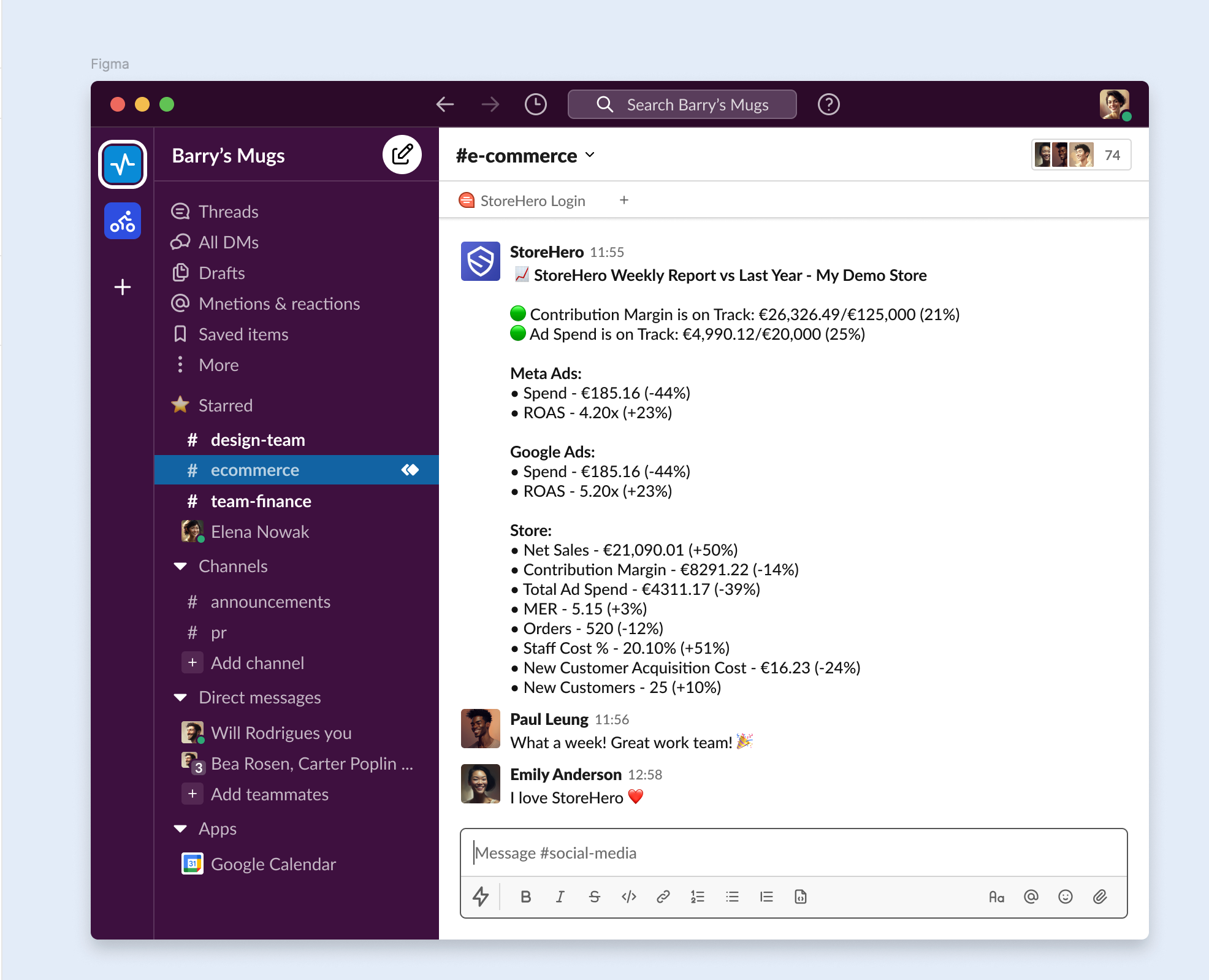
What does StoreHero's Slack Integration do?
Last updated: November 4, 2025
By connecting Slack to StoreHero, we can send daily, weekly and monthly performance summary messages to your Slack workspace. These automatic messages are a great way to get a quick overview of your recent sales, marketing, and customer metrics.
Managing Your Slack Notification Preferences
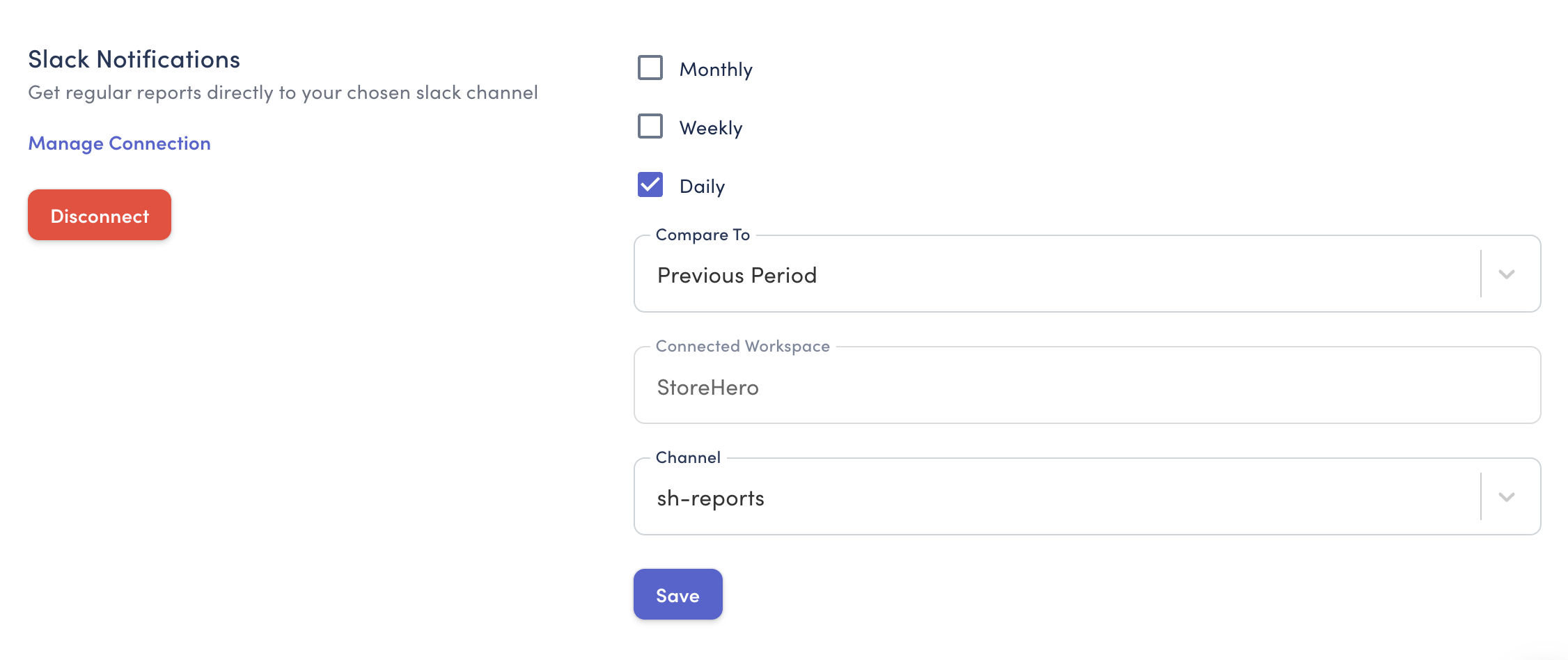
The Notifications tab within the StoreHero Settings menu is where you can customise how and when you receive Slack insights into your business's performance. Understanding your data is critical, and how you're informed can make a world of difference.
Step 1: Connect to Slack
First select Settings from the sidebar, and then click on Notifications.
Scroll down to Slack Notifications and click on the Connect button.

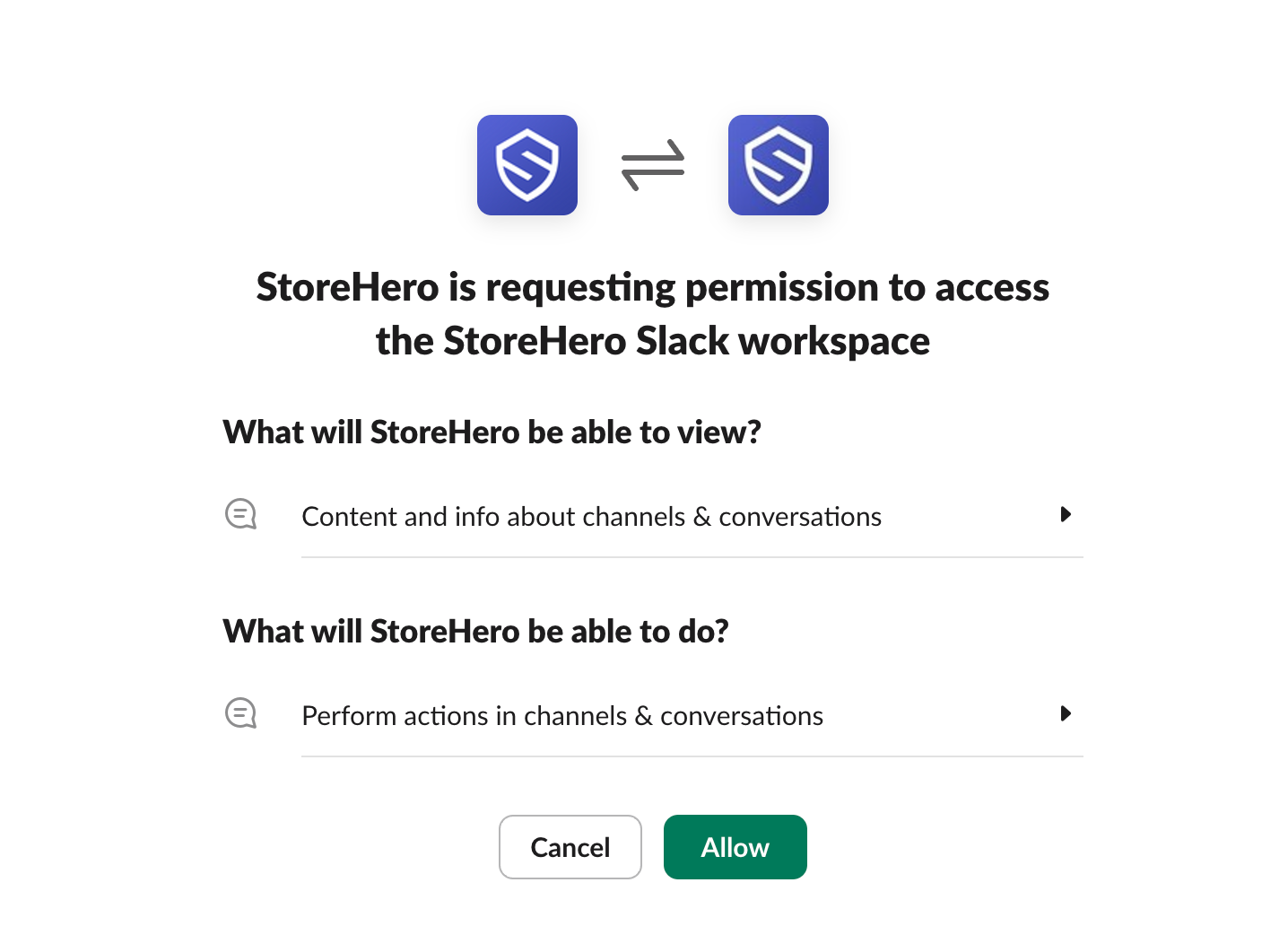
You will now be redirected to Slack, click on Allow, and you will be redirected back to StoreHero where you can select the Slack workspace that you would like to connect.
Once you have connected the correct channel, click Save and you're good to go!