Creating Your Account & First Store
Last updated: November 3, 2025
A step-by-step guide to creating your account, connecting your store, syncing sales and marketing channels, and setting goals to get started with StoreHero.
Welcome to StoreHero—we're delighted that you're ready to sign up and excited about the opportunity to help you grow your store profitably or help your clients do the same.
Getting Started
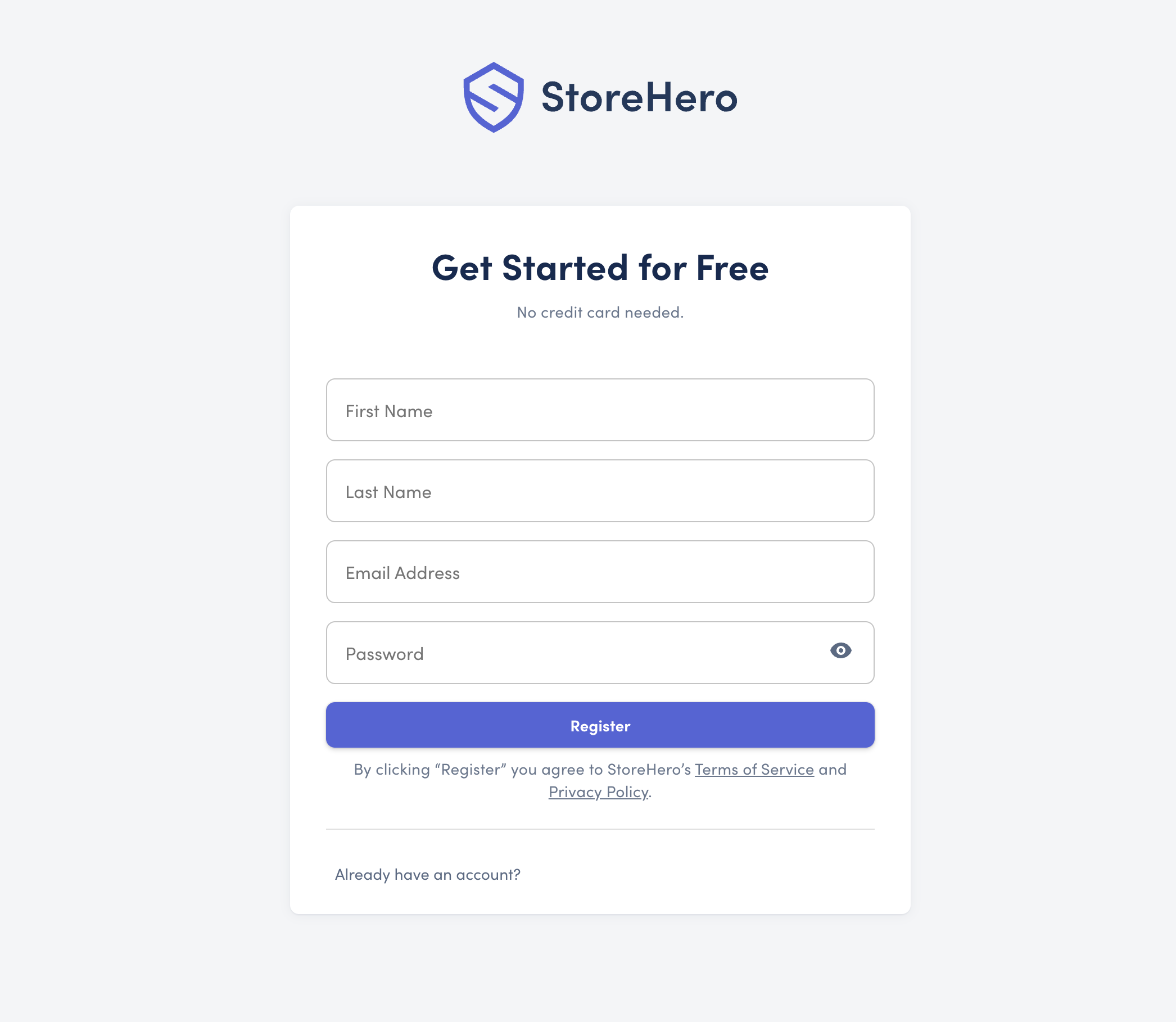
To begin, simply visit app.storehero.ai/register to create your account. You'll need to enter your first and last name, email address, and password—these will be your credentials to log in moving forward. Once completed, click the Register button. If you already have an account, use the "Already have an account?" link to navigate to the login page.
Verify Your Account
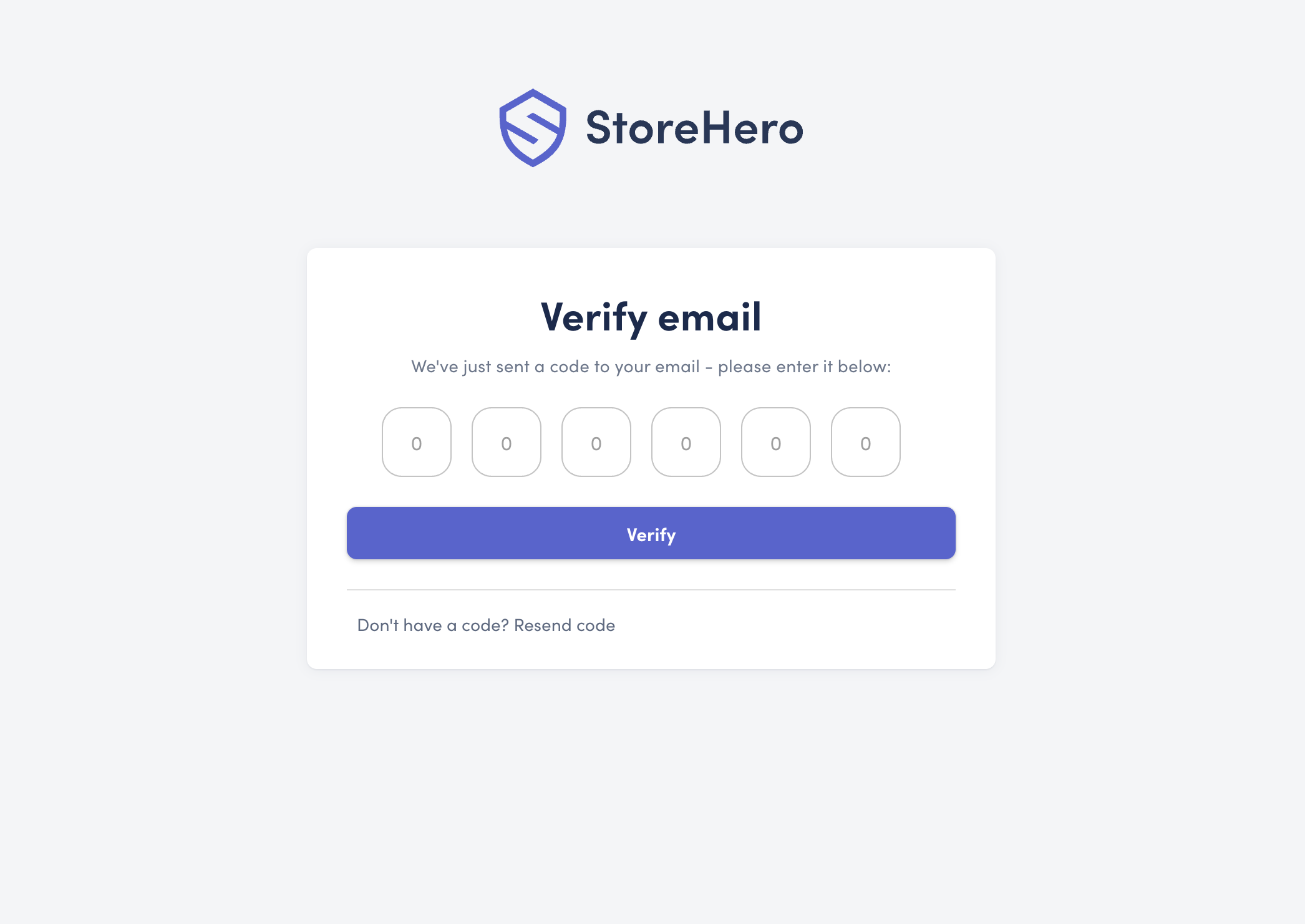
Upon registration, you'll receive a six-digit code via email. Copy and paste this code into the verification page to confirm your account, allowing you to log in.
Creating Your Store
With your account verified, it's time to set up your first store. StoreHero supports adding unlimited stores under one account, and you can grant access to others later on. The store creation process involves four key steps:
Account Information
Your Store
Marketing Channels
Goals
Account Information
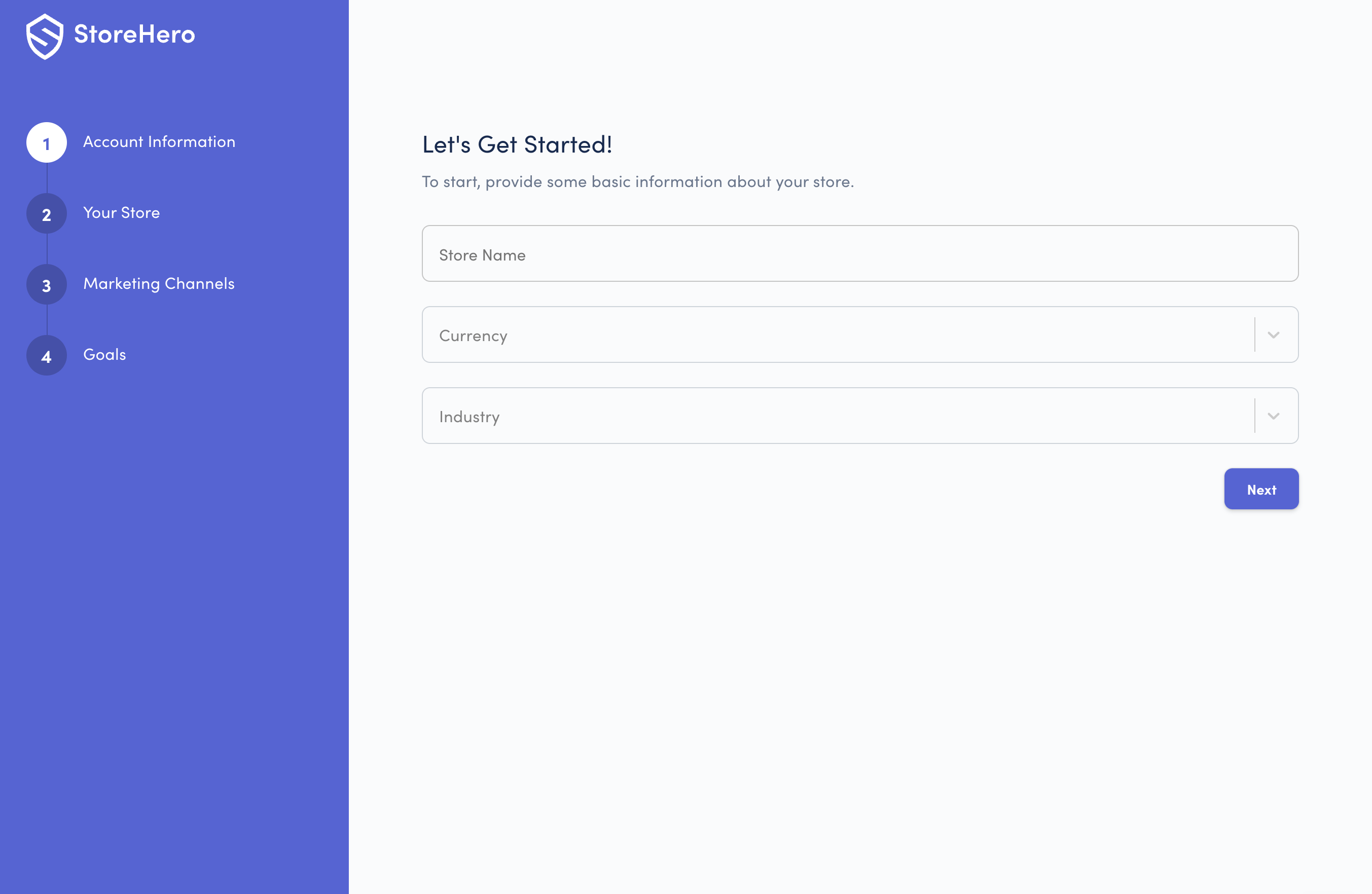
Here, you'll provide basic information about your store:
Your Store
Currency - Use the dropdown to set your store's primary currency. If your currency isn't listed, email us at support@storehero.ai or drop a note in the live chat and proceed by selecting any currency—we'll update it later.
Industry - Choose from 16 primary industries for benchmarking and tailored recommendations.
Your Store
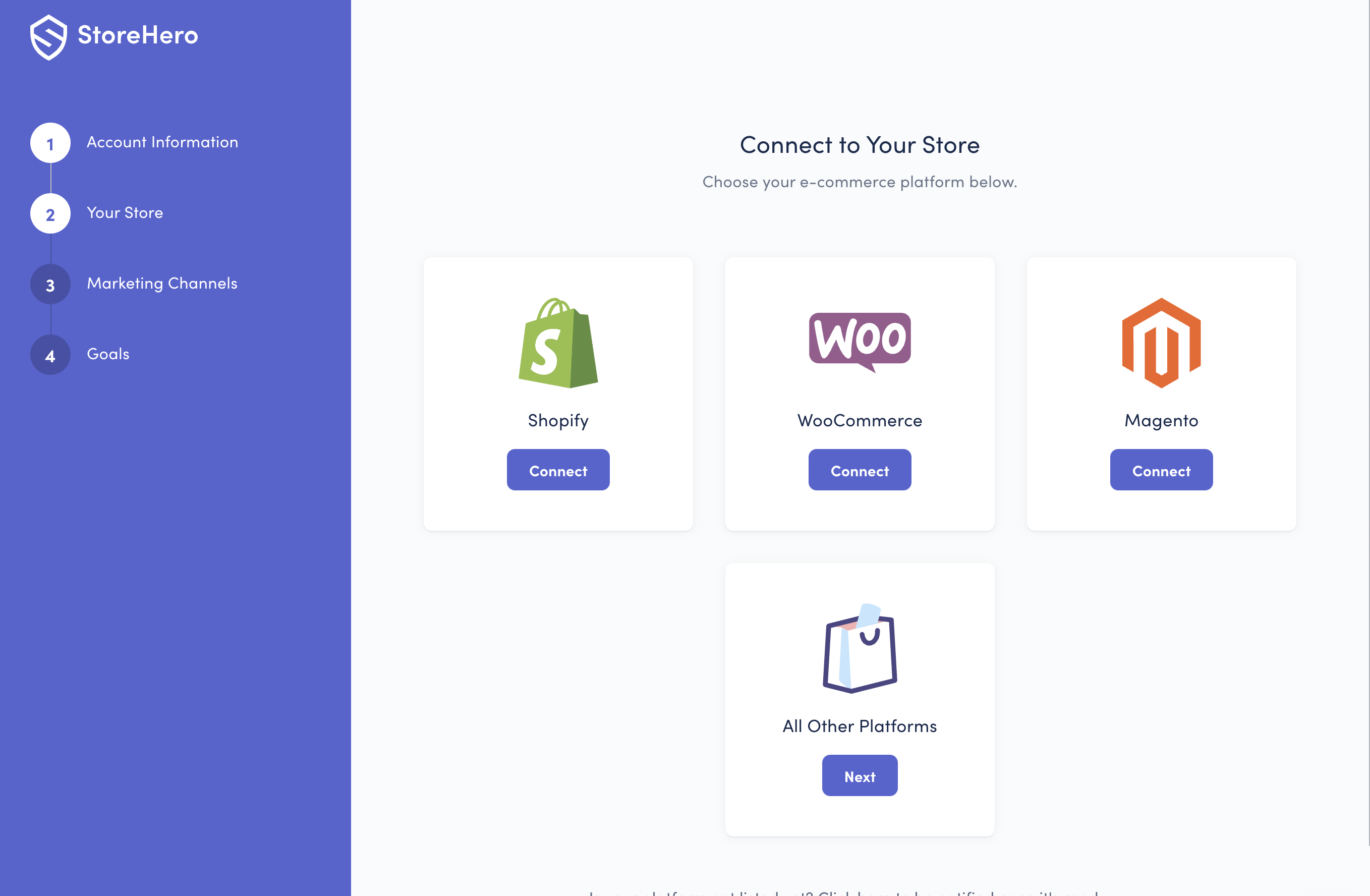
Great, you're making progress! Next, we'll connect your store to the chosen sales channel. We support Shopify, WooCommerce, Magento, and have an "All Other Platforms" option for using Google Analytics for sales data capture. For more detailed guidance on connecting your sales channel, visit our website. If your platform isn't listed, inform us via the live chat—we'd be delighted to update you on its status in our roadmap.
Once you click "Connect" on your chosen sales channel, authorise your store and we'll begin syncing your data. This could take from 30 minutes to 48 hours depending on the size of your store.
Marketing Channels

Connect your marketing channels to import data. We recommend connecting as many as possible to get a comprehensive view of your marketing efforts.
Conclusion
After setting your goals, click the Complete Setup button to save your data and proceed to the StoreHero dashboard. While your data syncs, you might see a message indicating the process is underway—this is normal. An email notification will be sent once your sales data is ready for review.
With this comprehensive guide, you’re well on your way to making the most of your StoreHero experience. Welcome aboard!