My Shopify data has stopped syncing
Last updated: January 21, 2026
If your Shopify data has stopped updating in StoreHero, it’s usually due to one of the following reasons:
The Shopify store was accidentally disconnected from the Connections page in StoreHero.
The StoreHero app was accidentally uninstalled from the Shopify admin.
How to fix it
The quickest way to resolve this is to reconnect Shopify:
Go to Settings → Connections in StoreHero.
Disconnect your Shopify store.
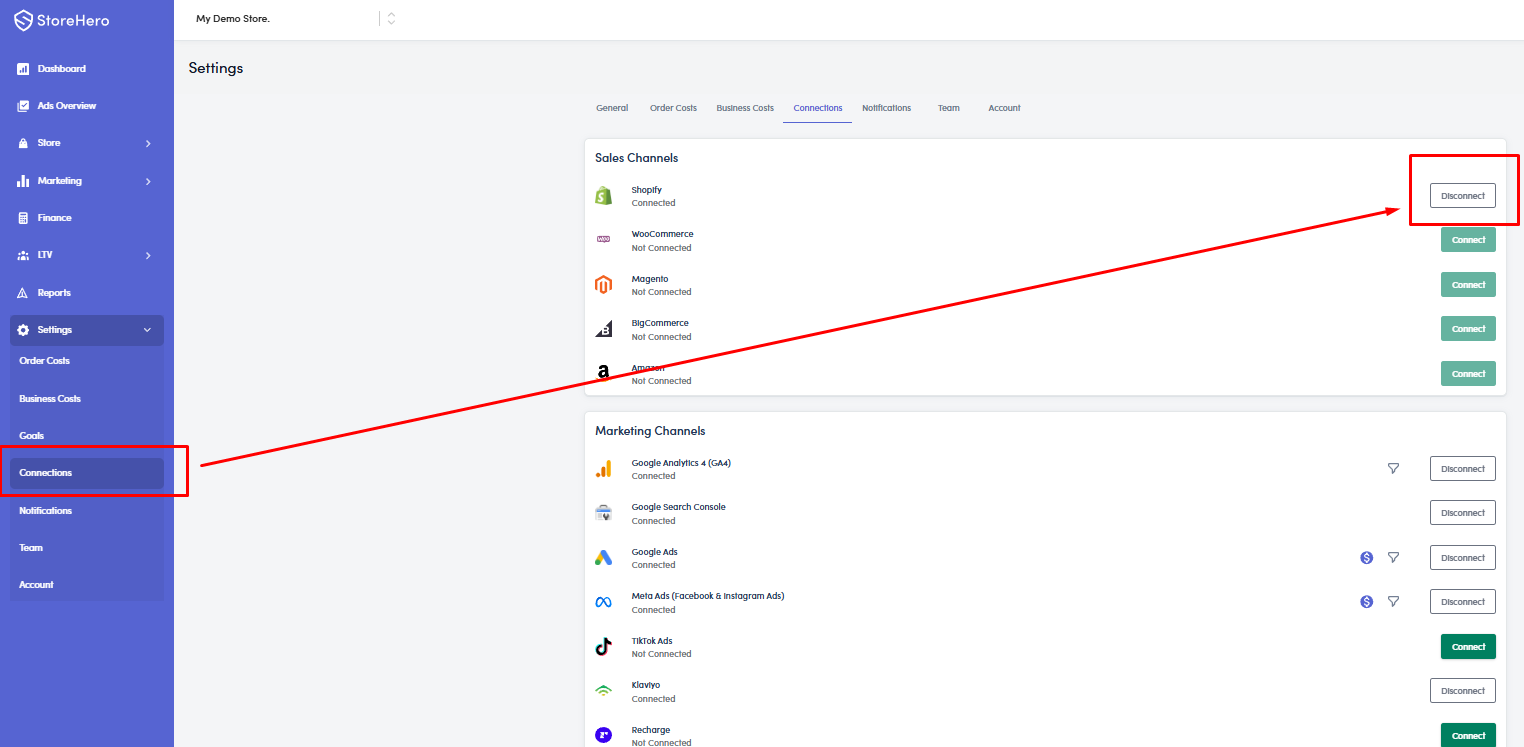
Reconnect Shopify and complete the authorization.
Once reconnected, data should begin syncing again within the next couple of hours.
If data does not start appearing after few hours to 24 hours, please contact StoreHero Support for further assistance.